The Right Tools. Less Busywork.
More Business.
You've got an idea. You've made a plan.
Now comes the business of actually getting it out into the world.
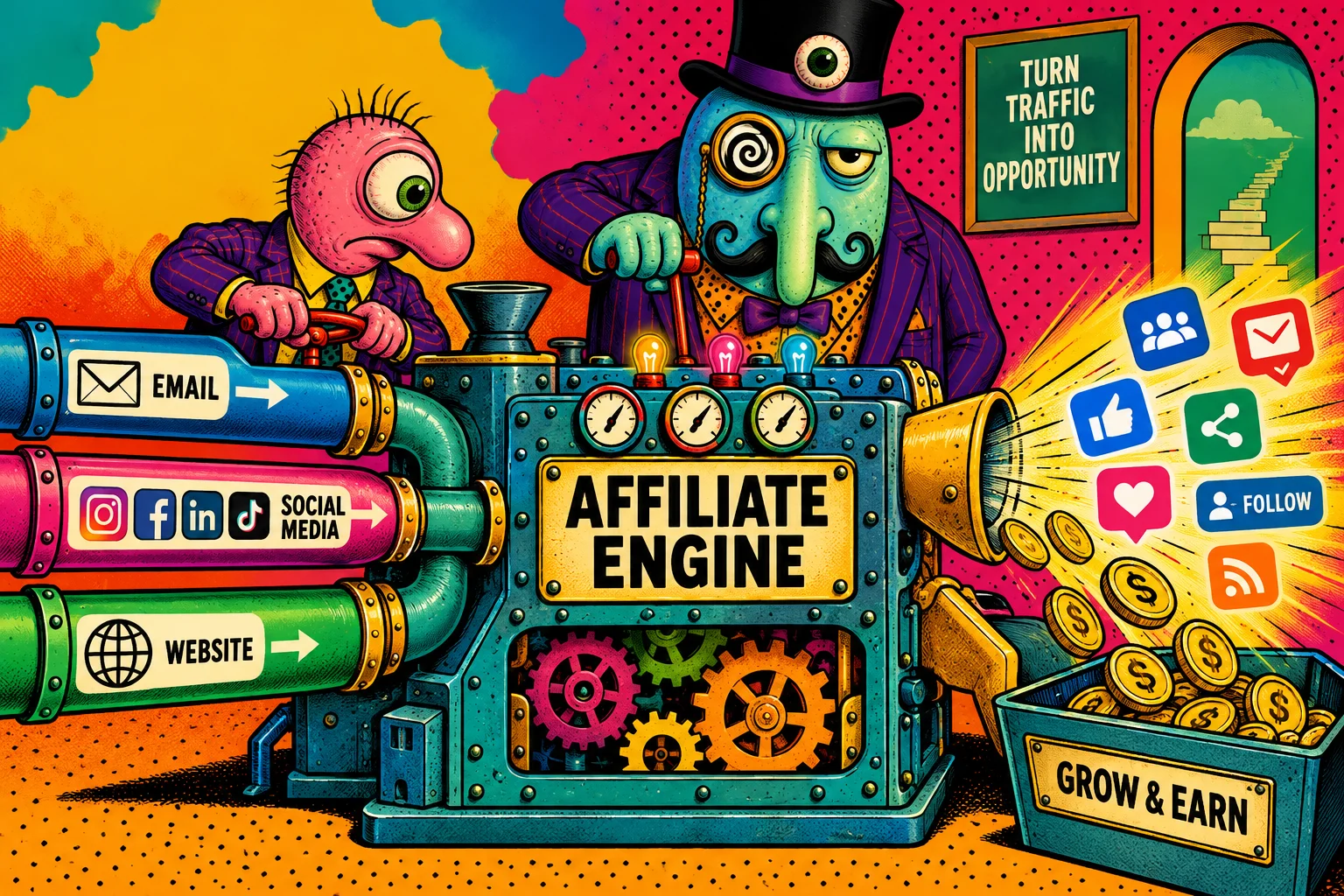
Plan →
Create assets →
Capture Attention and Leads →
Get eyeballs on your offers →
Let them slide down your funnel . . .
There are tools for almost every part of the process.
Some help you create; others help you plan, publish, promote or capture leads.
Think of this as your workshop walk-through, not a shopping list.
Find the jobs you need help with, then investigate the tools that fit your way of working
Survival is about sensible spending, scalable solutions and no blind leaps into another subscription.
Collecting the Right Tools is Essential
What do you need help with?

Please Note:
We are affiliate marketers.
Some of the links on this page?
...might be affiliate links.
Click, it won't cost you a thing, but will help SIO stay aboveground and producing free educational material like this website and it's resources.
Design &
Graphics Tools
Get the ideas out of your head and into some kind of order.
Creative thinking is wonderful.
Fifty ideas scattered across notebooks, browser tabs and the back of an envelope?
Less wonderful.
Getting that all into digital form for further development and sharing?
Days of double-handling data without the right tools!
So, let's look at
...a way to get your sh#t together
Digital planning and visual-thinking tools help you brainstorm, connect ideas, organize research and turn a jumble of possibilities into something you can actually work on.
Some are built for visual thinking and mapping; others help you collect information, plan content or manage projects.
The aim isn't to build an elaborate productivity system.
It's to make ideation and planning easier, make the useful ideas easier to find, develop and put to work - so you can get on with the doing.
What it can do
That can be particularly useful when you're
researching a business idea,
planning a new project,
studying a complicated subject or trying to connect information from different sources.
Instead of burying everything in folders and endless lists, you can capture ideas and research in individual cards, then arrange them on visual whiteboards to see how the pieces fit together.
You can move ideas around, group related notes, draw connections and gradually turn scattered information into a clearer picture.
Best of all? You have a digital copy you can easily share with co-workers.
Tool example
Take Heptabase as example. It takes a visual approach to thinking and knowledge management.
It also brings notes, documents, highlights and AI-assisted research into the same workspace.
So rather than simply collecting information and hoping you'll remember why it mattered, you have somewhere to explore it, make connections and develop your thinking.
It's not necessarily the tool you need if all you're after is a basic to-do list or a simple project checklist.
Its real appeal is for people who think visually, work with a lot of information or need room to explore an idea before deciding what to do with it.
Start Your Swipefile
-

Stock Images & Creative Assets
Photographs, illustrations, textures and visual styles to suit just about any project.
-
Fonts, Logos & Brand Identity
From your first logo to a complete brand look, bring your visual identity together.
-
Music & Video
Add movement, sound and atmosphere to your videos and marketing content.
-
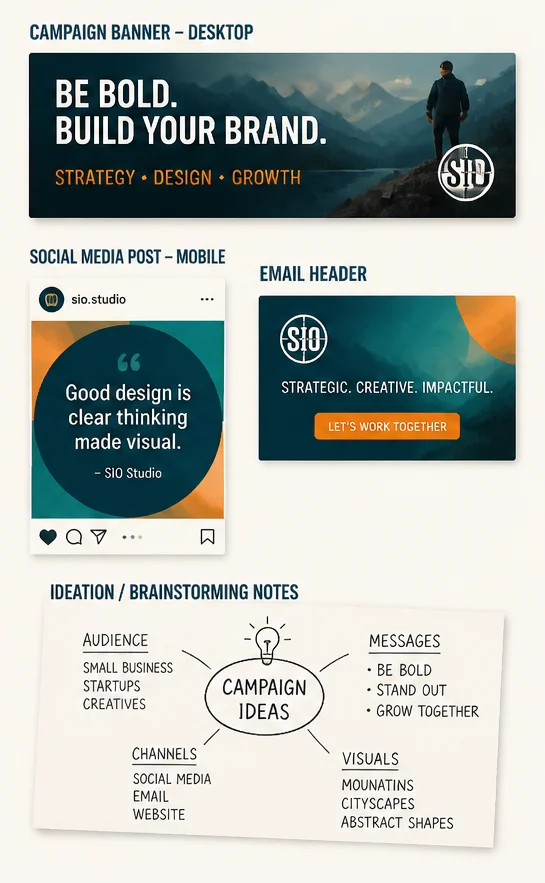
Presentations, Diagrams & Newsletters
Turn ideas, information and updates into polished, ready-to-use designs.
-
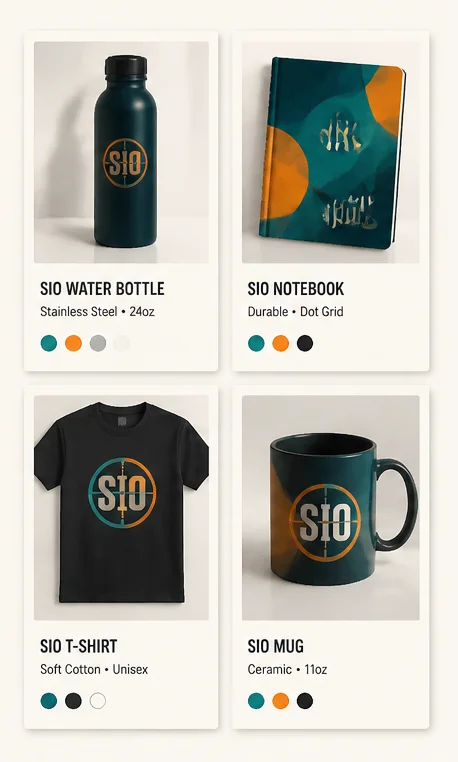
Product Mockups & Marketing Materials
Give your ebooks, courses, downloads and other digital products a professional showcase.
Collecting Creative Assets
& Digital Templates
Not every project needs a designer, and not every graphic needs to be built from scratch, and a swipe file or media library need to be filled…
...but how and with what?
Templates, stock images, fonts, video assets and ready-made design elements
can help you produce professional-looking content
without spending half your life wrestling with design software or sourcing fresh material.
How to Fill Your Swipe File
Where to hunt for stock
There are many royalty-free stock libraries like Pixabay, Pexels and Unsplash to help you collect graphics for your projects and swipe files, but I still prefer to get stuck in myself and generate my own creatives.
Either way can be quite a process! You are either on a hunt for material or fighting AI generators.
So I went looking for a way to stay sane, speed things up and enjoy my creative time online.
… or get a DFY asset ecosystem
This is where Envato becomes particularly interesting, because unlike a single-purpose AI tool, or many individual stock libraries and tools, it's an asset ecosystem - in other words an all-in-one creative asset toolkit combining its asset library with AI tools.
Whether you're creating social posts, website graphics, business branding, presentations, videos, mockups or marketing materials, the right assets can save time and give your brand a more consistent look.
Offer me one dashboard for all that instead of 12 separate subscriptions…
That gets me excited.
This is the real fun part, if you ask me.
LEAD CAPTURE &
CONTENT PRODUCTION
Getting people to notice you,
stop scrolling
and linger on your website or post is no easy feat.
So how do you go from
being just another drop in the internet ocean
to making waves?
Several ways, actually.
Different strokes for different folks, as they say.
Your approach will depend on what you're selling, where your audience hangs out and how you want to reach them.
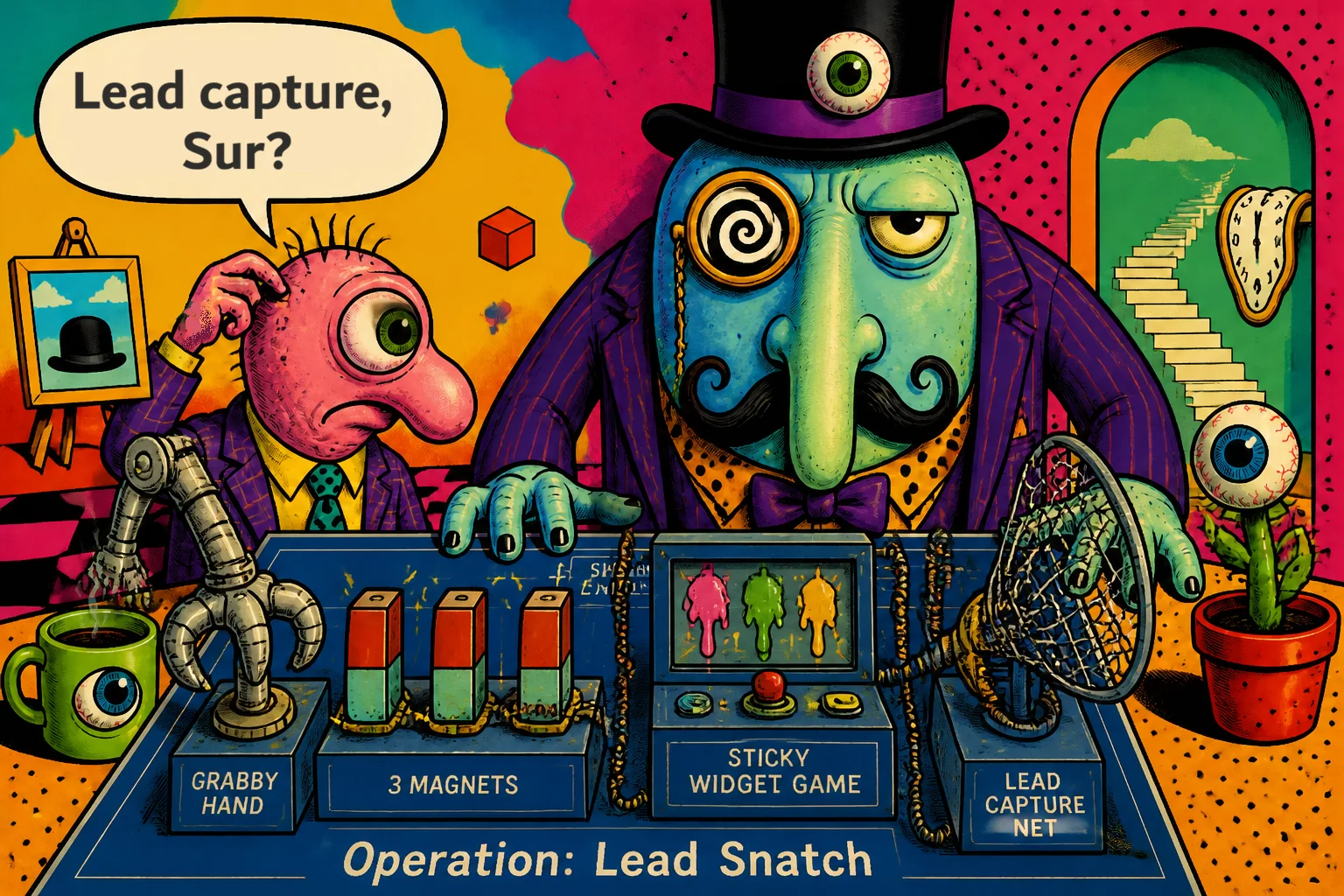
So you'll want to learn how to
Create a Traffic Jam
and Scroll-Stoppers
Landing Pages & Lead Capture
Give attention somewhere useful to go.
Getting someone to notice you is one thing.
Giving them a reason to click, sign up, ask a question or take the next step is another.
Lead Generation generally involves
... Dangling Carrots
Landing-page builders help you create focused pages for campaigns, offers and promotions.
It gives you a place to point people to and somewhere for them to land.
By adding interactive elements to the page - you get people to linger on your page and engage with your content.
and Lead Capture Contraptions
Form builders make the next step clear, easy and worth taking for a reader
It lets you collect enquiries, registrations, feedback or email addresses
without necessarily building a complicated website around them.
As far as effectivity goes, you can't beat it.
But have you ever tried building these things?
It's tricky and you need to learn some code,
it can be buggy even after you've learned to code
or otherwise expensive if you decide to hire help from a developers and designers.
That's why the button below is one you will want to click.
You can email me a "thank you" later.
Pinning Traffic Down
Turn links and content into something people can discover.
Pinterest can be more than a place to collect recipes and dream about renovations.
For the right niche (be sure to check the platform guidelines), it can help people discover your articles, products, offers and other content years after you pinned an idea.
Urgh...
Creating pins one by one
can become a daunting task.
Regular posting requires regular fresh images and text snippets or very smart repurposing.
But There Is An Easier Way
... and a few clicks can get you there
Depending on your business niche and model,
campaign tools like BlogToPin
can turn your website into a steady source of Pinterest content without having to design and schedule every pin by hand.
It scans your website, finds your pages and images, then gets to work creating unique pins with AI-generated titles, descriptions and images.
You can customise the designs to match your brand,
import your own Canva templates,
and let its smart scheduling system select suitable boards
and spread your pins across a publishing calendar.
And here's where it gets interesting for affiliate marketers:
you can use it to promote blog articles, product roundups,
tutorials and affiliate marketing content,
sending Pinterest users back to the pages where your recommendations and offers live.
It then manages the publishing process on autopilot too!
Create the pins, organise the campaign and let BlogToPin handle the publishing.
Your job is to build the content worth clicking on.
And what about Amazon Products and Pinterest?
Got Amazon products you want to promote?
takes the legwork out of turning individual products into Pinterest marketing campaigns.
Feed it an Amazon product URL and it gets to work developing promotional angles,
creating Pinterest pins,
writing headlines and descriptions,
finding relevant keywords and even building supporting affiliate pages.
You can generate different pin styles for the same product,
prepare video pins and organize campaigns for publishing.
It's particularly interesting if you're an Amazon Associate looking to make more of Pinterest without spending half your working day researching products, designing graphics and writing pin descriptions.
Instead of treating every product promotion as a separate creative project,
you can build a repeatable campaign process around the products you want to feature.
Find the product. Build the campaign. Get it onto Pinterest.
One worth investigating if Amazon affiliate marketing is part of your business model.
So Why Are Pinning Tools Different?
Because getting content onto Pinterest is only half the job.
How it gets there matters too.
Some tools help you turn existing blog content into fresh Pins and schedule them for publication.
Others build campaigns around individual products, generate promotional creatives and automate the publishing process.
But there's another distinction worth paying attention to:
how the software connects to Pinterest.
There's a world of difference between using Pinterest's authorised API to publish content
and relying on browser hacks, simulated activity or unauthorised automation.
The latter can put your account at risk.
The right tool should fit what you're promoting,
support the way you want to work and
help you build campaigns without putting your social accounts on the line.
And what about Amazon Products and Pinterest?
Got Amazon products you want to promote?
takes the legwork out of turning individual products into Pinterest marketing campaigns.
Feed it an Amazon product URL and it gets to work developing promotional angles,
creating Pinterest pins,
writing headlines and descriptions,
finding relevant keywords and even building supporting affiliate pages.
You can generate different pin styles for the same product,
prepare video pins and organize campaigns for publishing.
It's particularly interesting if you're an Amazon Associate looking to make more of Pinterest without spending half your working day researching products, designing graphics and writing pin descriptions.
Instead of treating every product promotion as a separate creative project,
you can build a repeatable campaign process around the products you want to feature.
Find the product. Build the campaign. Get it onto Pinterest.
One worth investigating if Amazon affiliate marketing is part of your business model.
Video, Voice & Music
You don't need a Hollywood production budget
just the tools that give you the same type of output quality and consistency,
which is rather important for a business without having to slap your logo on every scene.
Video can demonstrate a product, explain an idea, tell a story or make a complicated subject easier to understand.
Voiceovers and music can help bring that content to life.
And there are 3 things you should consider
Generation & Editing
The real trick?
It's is to find a tool that does the job well, quick and without you for the most part.
Pick a tool that covers different parts of the process,
from script-writing, to generation and editing,
to adding subtitles, narration and audio.
Some help you produce original content;
others help you adapt existing material for different platforms.
Other useful things a good video studio tool could offer can include avatars, logo creation, bulk edits, media libraries and templates.
Your own AI-powered content and advertising studio?
Creating marketing content can turn into a production line of its own.
Research the market, find ideas, write scripts, produce videos, create voiceovers, design graphics, make thumbnails…
and somewhere in between, you're supposed to run the actual business!
BlueFX
AI Media Machine
Super Bundle
brings a collection of AI-powered tools together under one roof,
covering everything from advertising research and creative analysis
to video production, voiceovers, image creation and marketing content.
Want to investigate successful ads,
develop your own creative concepts,
turn scripts into videos, create AI presenters or produce promotional graphics?
Here's a tool for that.
You can even repurpose ideas into different content formats rather than starting from scratch every time.
If you're not keen on being on camera yourself
or have a funny accent like mine
The AI Media Machine takes care of all that.
Give it your website URL only, and requested a free demo.
I tried it, and it took only a few minutes and I had something to post.
The watermark is removed on paid tiers, and you get a bunch of other perks,
but what stood out is the affordable pay-as-you-use costing to unlock those features and sooo much more.
For affiliate marketers, this opens up plenty of possibilities:
product promotions, video ads, social content, YouTube material, landing-page assets and campaigns for different offers.
It's a substantial collection, rather than one magic button that does everything.
Individual tools have their own capabilities and credit allowances,
so it's worth exploring what's included and how the monthly credits work before buying.
The bigger attraction?
Having a whole collection of creative production tools available without assembling a different subscription for every job.
If content creation and advertising are eating into your working day, AI Media Machine, from BlueFX is worth investigating.
What Happens After You Post a Video
Creating and posting a video is only half the battle won.
If your main traffic source is video, ranking and performance analytics become a valuable feedback mechanism.
You'd want to know which of your videos, shorts or reels are actually driving traffic, clicks and conversions
- but you can't always be sure the platforms give you the insights you need.
That's when you want to employ a TubeBuddy or something similar
to help you watch and measure performance,
analyze what works and what doesn't,
then work to optimize your channel to better engage with audiences.
Podcasts & Transcripts
Transcripts, Presentations and Repurposing Content
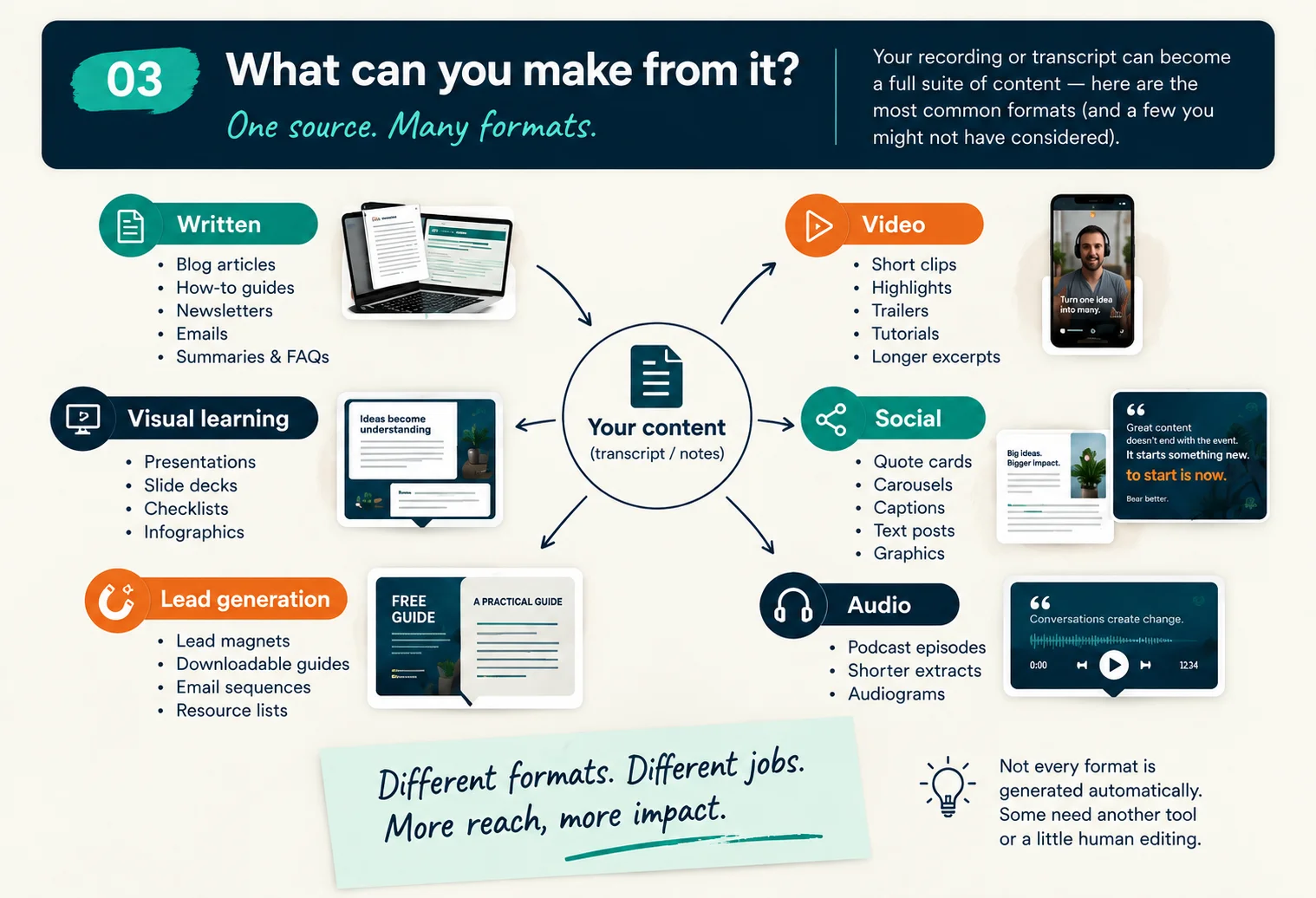
A podcast, interview or recorded conversation can give you
much more
than one finished piece of content.
The trick is to find a workflow that lets you create useful content
without
spending half your week wrestling with editing software
or manually chopping one recording into a dozen pieces.
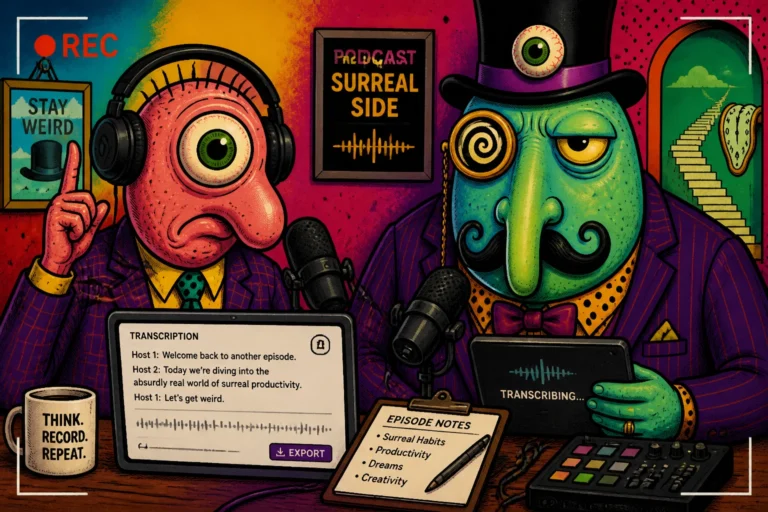
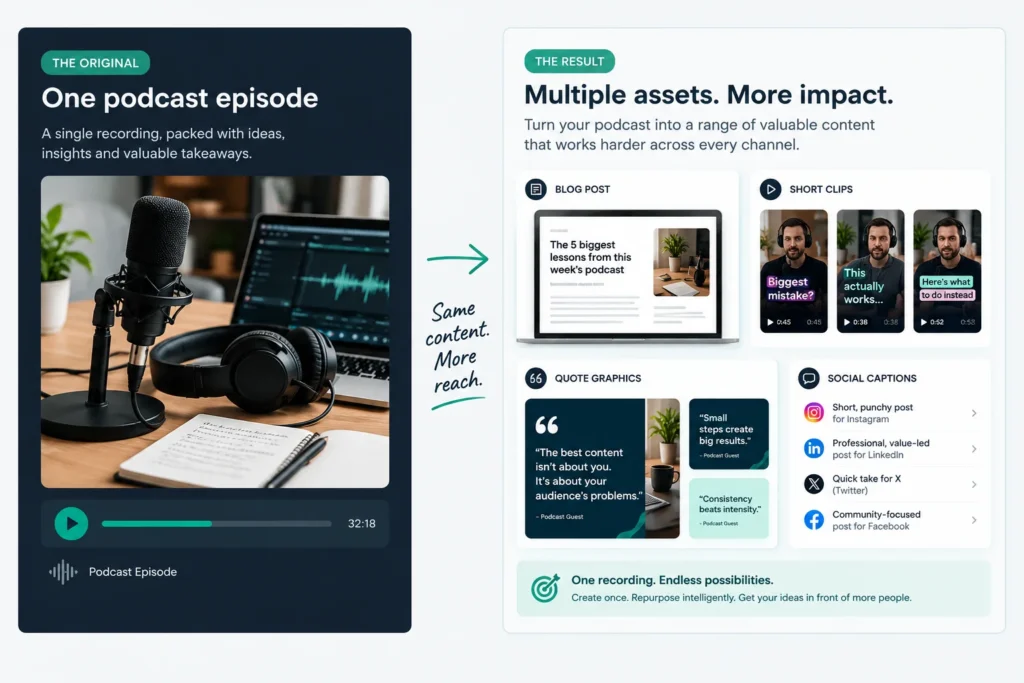
One recording. More ways to use it.
What can such a tool do?
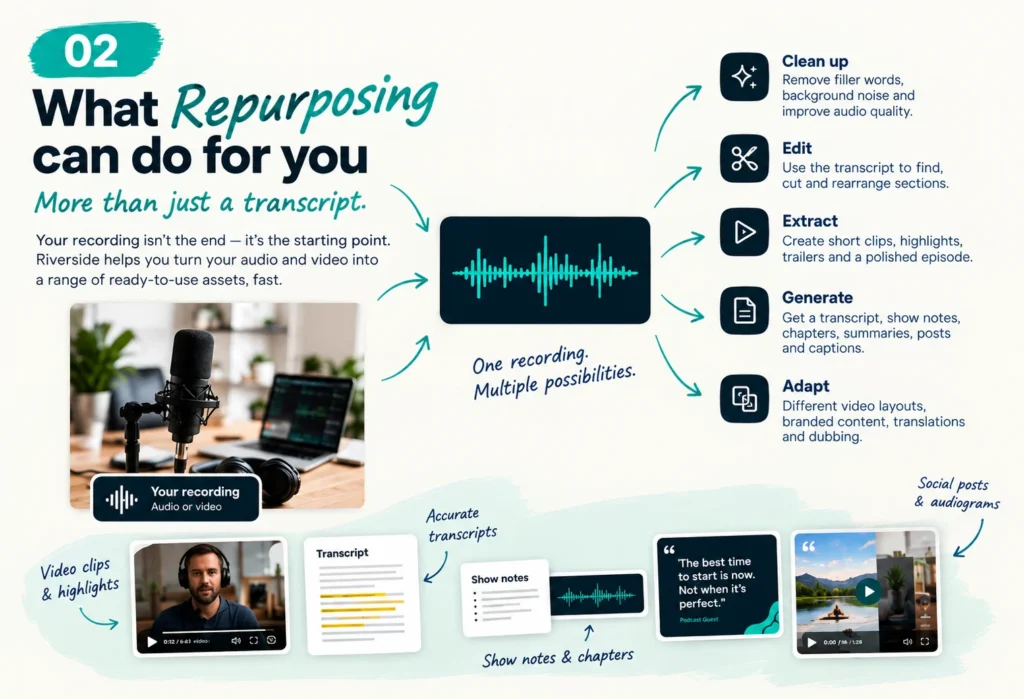
Transcription tools turn speech into text, making recordings easier to search, edit and reuse.
Recording and editing platforms help you produce podcasts,
interviews and other long-form content,
then turn the useful bits into articles, clips, captions or social posts.
You can also go the other way.
An article, blog post or collection of notes can become the starting point for a podcast script, a narrated video or a series of short-form content.
That's a lot of mileage from one conversation — and a useful way to make content creation less of a production marathon.
Repurpose the material into:
* Short video clips
* Articles and blog posts
* Captions and quotes
* Social media content
* Email content and follow-ups
One good recording can feed several parts of your content strategy. You still need to adapt each version for its audience and platform, of course — copy-and-paste content recycling isn't a strategy.
The long-standing favorite:
If you plan to record regularly, interview guests, publish video podcasts or repurpose conversations across different platforms, a dedicated recording and editing platform can make the whole process easier.
Riverside brings much of that workflow together in one place.
It's built for recording podcasts, interviews and remote conversations, with separate audio and video tracks for each participant. That gives you more control over the finished recording than a single combined file. Because Riverside records locally on each participant's device, recording quality is also less dependent on the ups and downs of everyone's internet connection.
Then there's the editing workflow.
You can edit recordings through their transcripts, making it easier to remove unwanted sections, tighten up a conversation or find the moment you need without hunting through a timeline.
Transcripts, captions and AI-assisted tools for creating shorter clips can help you turn one longer recording into a podcast, video, social clips and written material.
You don't need every feature to get value from a tool like this.
The point isn't to create more content just because you can.
It's to make the content you do create work harder for your business — without turning one good idea into twelve slightly different versions of the same mediocre post.
If you're comparing recording tools, Riverside is worth a look,
particularly if podcasting, remote interviews and video repurposing are all part of your plan.
Webinars & Digital Presentations
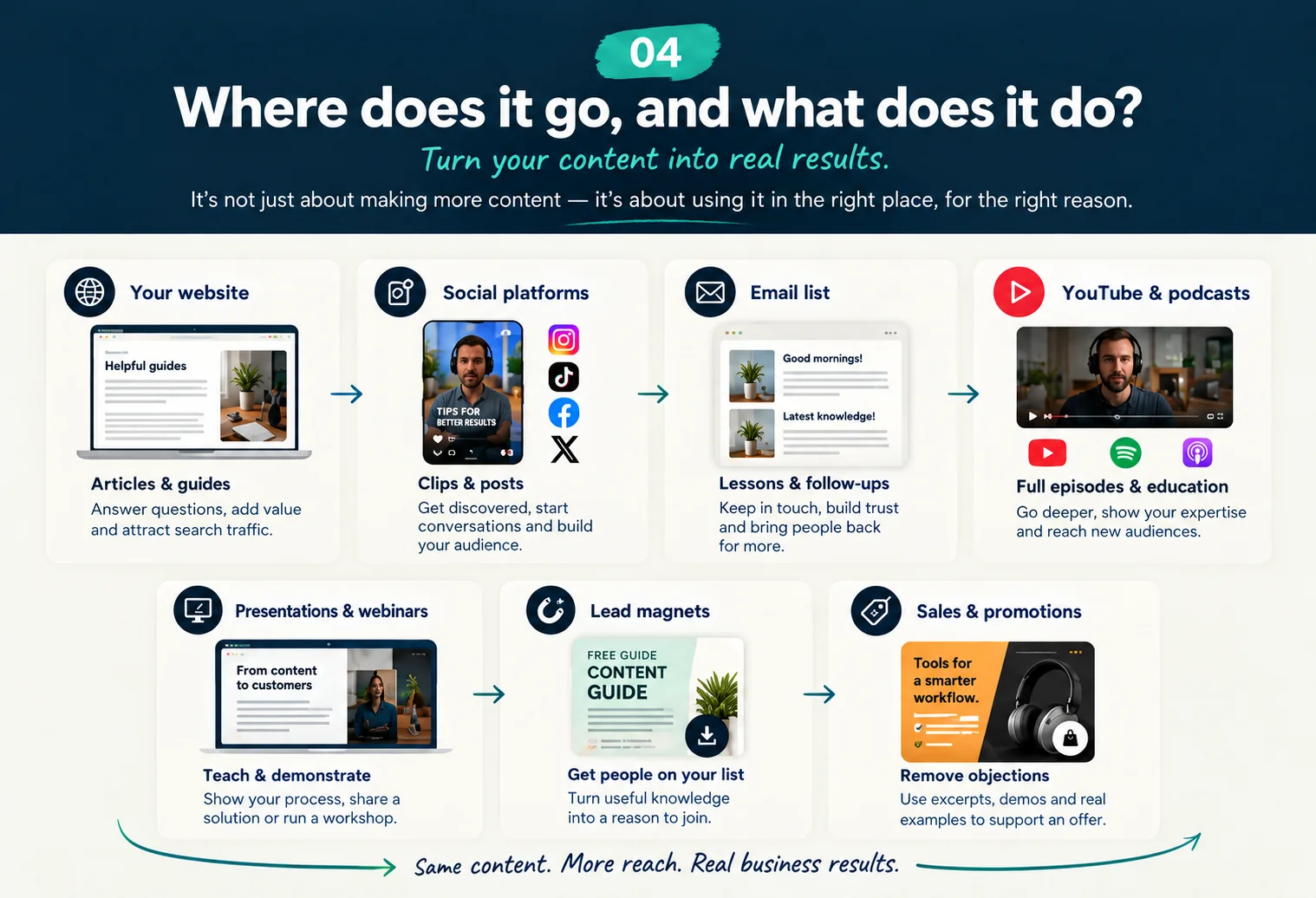
Teach something useful, demonstrate what you know or bring people together.
Sometimes a written guide or a few short videos aren't enough.
You need to explain a process, walk someone through a product
or give people the chance to see what you're talking about for themselves.
That's where webinars and presentations can earn their keep.
But first, there's an important distinction to make.
Live webinars vs Automated webinars
Live webinars: Real people, at a scheduled time
You choose a date and time, invite people to register, then deliver the session live.
Attendees can ask questions, take part in polls and interact with you while you're there.
Live sessions work particularly well for workshops, demonstrations, audience Q&A and topics where discussion matters.
They also give you a chance to hear what people are struggling with and respond in real time.
The trade-off?
You need to show up, prepare and deliver the session at the advertised time.
Your audience needs to be available then, too.
If live delivery is what you need,
Demio is one platform to compare.
It's designed around marketing webinars, with registration, audience engagement and follow-up features built into the workflow.
Automated webinars: A recorded session that can run without you presenting every time.
An automated webinar uses a recording of a presentation
or training session and delivers it through a webinar-style experience.
Depending on the platform and setup, people may be able to watch on demand,
join scheduled replays or register for sessions offered at different times.
You prepare the core presentation once,
then use the platform to handle much of the repeat delivery.
Registration pages, reminders, calls to action and follow-up can help connect the presentation to the next step in your funnel.
This can be useful for evergreen training, product walkthroughs,
introductory presentations and explaining the same process
to people who discover your business at different times.
The trade-off?
You lose some of the spontaneity and genuine interaction of a live session.
Some platforms simulate a live experience, but a prerecorded presentation isn't the same as being there to answer a question in real time.
For this kind of setup,
WebinarKit is an option to investigate.
It's focused on automated and evergreen webinar funnels, including registration and viewing pages, scheduled sessions and calls to action.
Which approach makes sense for you?
You don't need a webinar platform simply because webinars are supposed to convert.
Start with the job you need done:
- You need interaction, discussion or live demonstrations: consider a live webinar.
- You need to deliver the same presentation repeatedly: consider an automated webinar.
- You mainly need to record conversations and turn them into more content: a podcasting and recording tool such as Riverside may be the better fit.
- You only need to explain something once to a small audience: a simple video, article or presentation may be enough.
Whichever route you choose, start with a topic worth someone's time,
a clear outcome for the audience and a sensible next step.
Then choose tools that make registration, delivery and follow-up easier — rather than paying for features you'll never use.
A platform can help you deliver a useful presentation.
It can't make an unhelpful one worth watching.

Don't have Shiny Tool Syndrome?
Well done for resisting!
You'll be okay online. Probably. Most likely...
So, what's your next move then?
Have you
Grabbed the Survival Guide, yet?
Inside this free guide, you'll find
- a compact selection of tools,
- The One-Step Survival Strategy
- and a curated list of resources